bloodX
A blood bank web app. Donors and patients book appointments to give or receive blood, and staff approve, schedule and complete them from an admin panel.







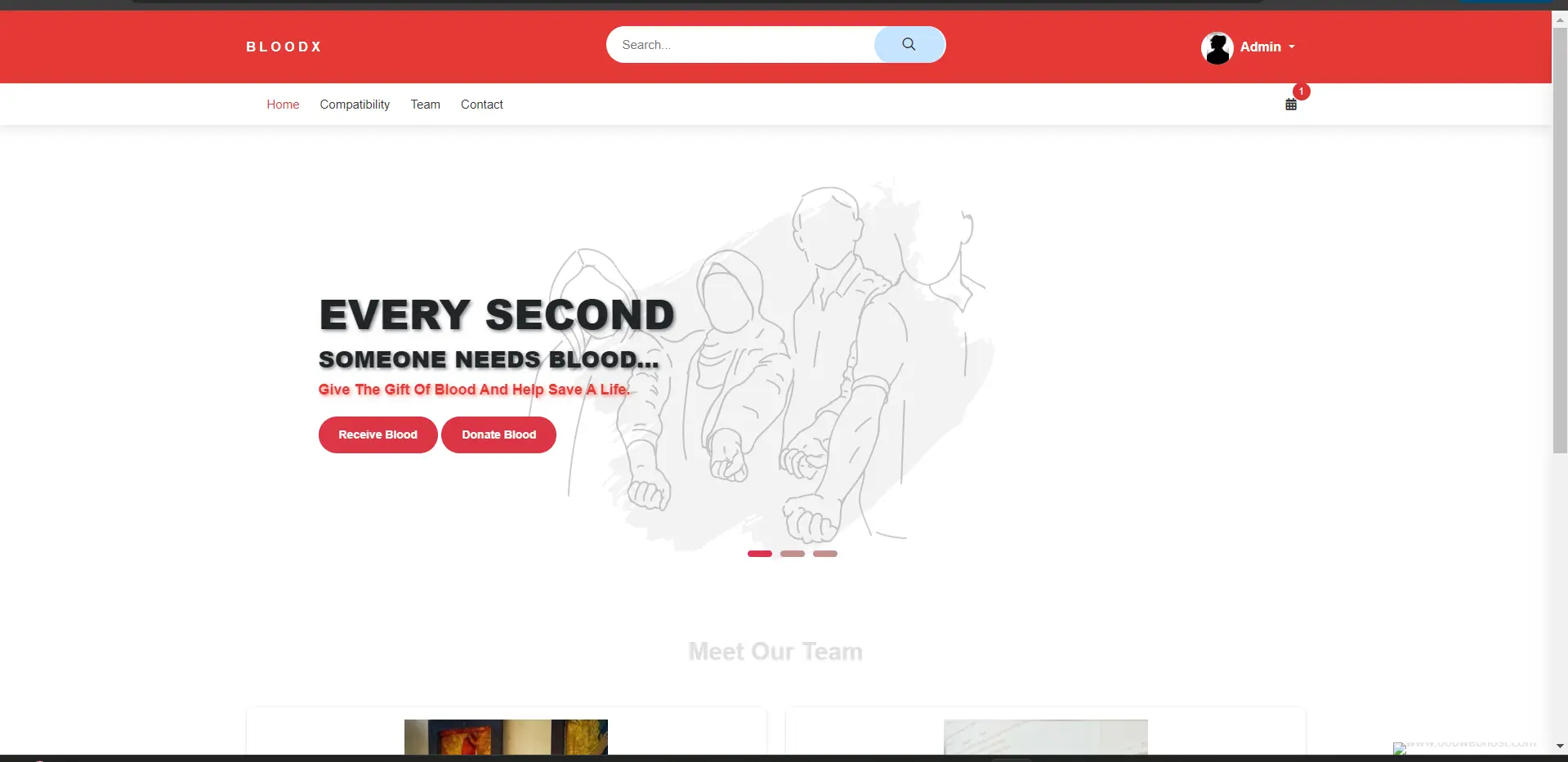
bloodX was my graduation project for the Technical Baccalaureate (BT), built with a classmate in 2024. It's a blood bank website with two sides. On the public side, donors and patients sign up and book an appointment to give blood or to receive it. On the admin side, staff go through those appointments, give each one a date, and mark it done.
It's plain PHP with MySQL, Bootstrap and jQuery, and it runs locally on WampServer.
An appointment's life
Giving and receiving use the same appointments table, told apart by a type column (donation or request). Every appointment moves through the same statuses:
A user can also withdraw their own appointment while it's pending or approved, which deletes it. When a donation is completed, the user's donated_at is set to the current time, and the next booking checks against it.
Who can give what
Before a donation appointment is created, the app runs a series of checks. The donor must be at least 18, and the amount must fit the donation type. The type must also be one their blood group can give:
| Donation | Amount | Wait before the next one | Blood groups |
|---|---|---|---|
| Whole blood | 450 – 500 mL | 56 days | all |
| Power Red | 500 mL | 112 days | A−, B−, O+, O− |
| Platelets | 300 – 650 mL | 7 days | A+, A−, AB− |
The amounts and waits live in a blood_processes table, not in the code. The wait is checked against the last completed donation:
$query = "SELECT interval_days FROM blood_processes WHERE process_id = ?";
$stmt = $conn->prepare($query);
$stmt->execute([$processId]);
$intervalDays = $stmt->fetchColumn();

if ($date_checked_donate < $intervalDays && $donated_at != null) {
    return [false, "You must wait " . ($intervalDays -  $date_checked_donate) . " more days until you can donate again."];
}
Donors and patients can each have only one open appointment (pending or approved) of each kind at a time. A failed check sends the user back to the form with the reason.
There's also a public compatibility page: pick two blood groups, and it says whether one can give to the other, from an 8 × 8 table of the standard red-cell rules.
The admin panel
The admin panel is built on the Stisla Bootstrap template, and every page in it checks that the signed-in user is an admin. It has:
- A dashboard with the number of donors and recipients (people with a completed donation or request), and the pending requests and waiting list broken down by blood group.
- Requests: pending appointments, approved with a date and time (which must be in the future) or rejected.
- Waiting list: approved appointments, marked completed or canceled.
- Completed and failed lists, and a report page of requests.
- Users, donors and recipients: create, edit, suspend and delete accounts. A suspended account can't sign in.
Accounts
Users sign in with their username or email. Passwords are hashed with bcrypt through PHP's password_hash, and every query goes through PDO prepared statements.
To reset a password, the app stores a random 64-character token with a one-hour expiry and emails a link with that token. The reset form refuses a token that is unknown or past its expiry. Emails (the reset link and the contact form) go out through EmailJS, called from the browser.
Stack
- Back end: PHP with PDO, one file per page or action
- Database: MySQL, set up from a single SQL dump (
blood_bank.sql) - Front end: Bootstrap and jQuery, with the Stisla template for the admin panel and SweetAlert for dialogs
- Email: EmailJS
- Local server: WampServer
Limitations
- The admin endpoints don't check who's calling. The admin pages do, but the scripts behind their buttons (approve, reject, complete, cancel, delete) don't check for an admin, so anyone who sends a request to one directly gets it through.
- The reset form trusts its hidden email field. The token is checked when the form opens, but the save step updates whichever email the form sends back.
- Approving doesn't email anyone. The approved date shows on the user's appointments page, and that's the only place they see it.
- No stock of blood. Appointments record how much was given or asked for, but nothing adds it up into units on hand.
- Local setup only. The database user is
rootwith no password, and the reset link points atlocalhost.